Reminders that fire on time
Insurance, inspection, oil change, tires: set a date or a mileage and get a notification before it becomes a fine or a breakdown. Overdue items stay on top until you close them.
Car log for Android
Fuel and consumption, service history, expenses and reminders for every car in your family — in one quiet app that works offline and keeps your data on your phone.
Features
No ads, no feeds, no sign-up wall. Garagio remembers the dates, adds up the money and tells you what is due.
Insurance, inspection, oil change, tires: set a date or a mileage and get a notification before it becomes a fine or a breakdown. Overdue items stay on top until you close them.
Log a fill-up in seconds and watch consumption per fill-up and per period. Spot the car that suddenly drinks more before it costs you.
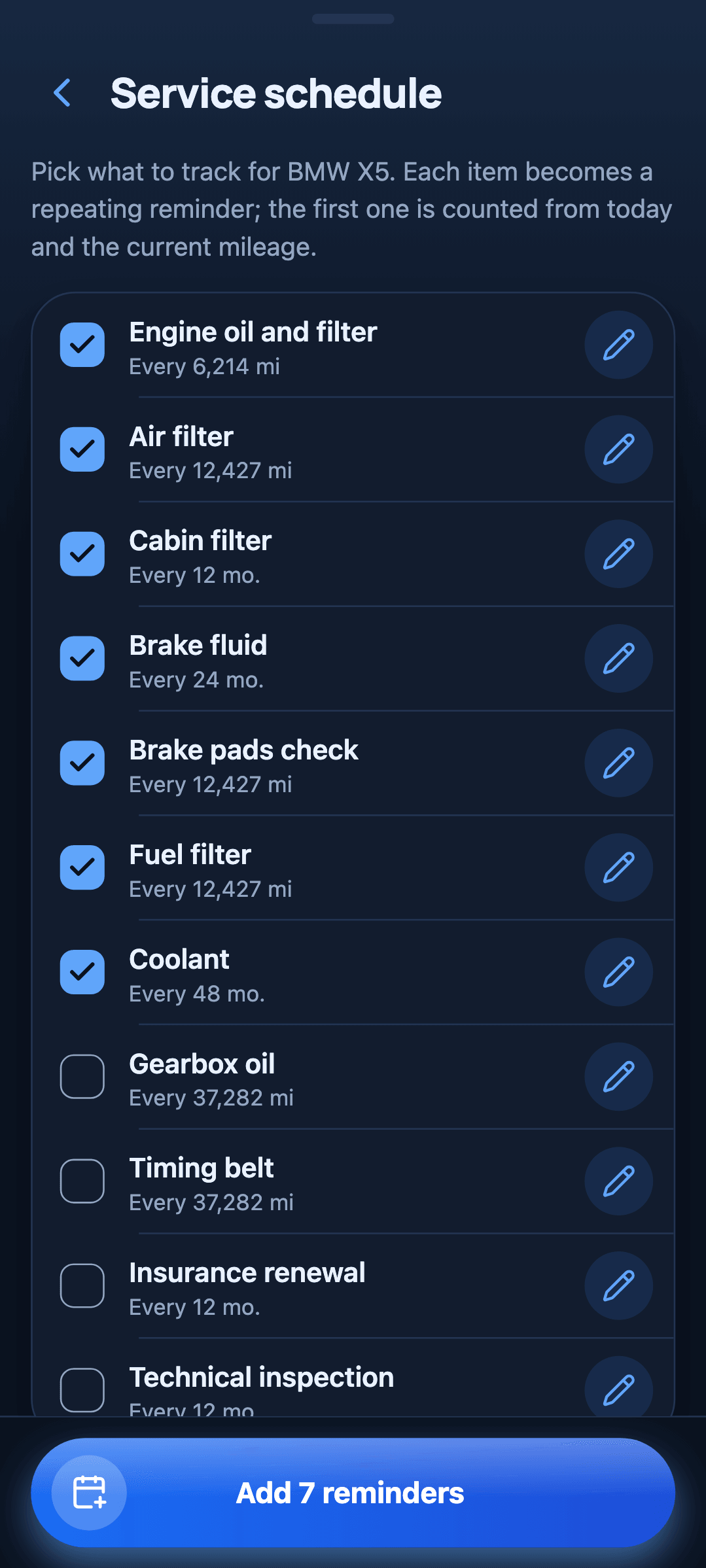
Every repair and maintenance job with date, mileage and cost, plus a typical-intervals schedule that tells you what is next.
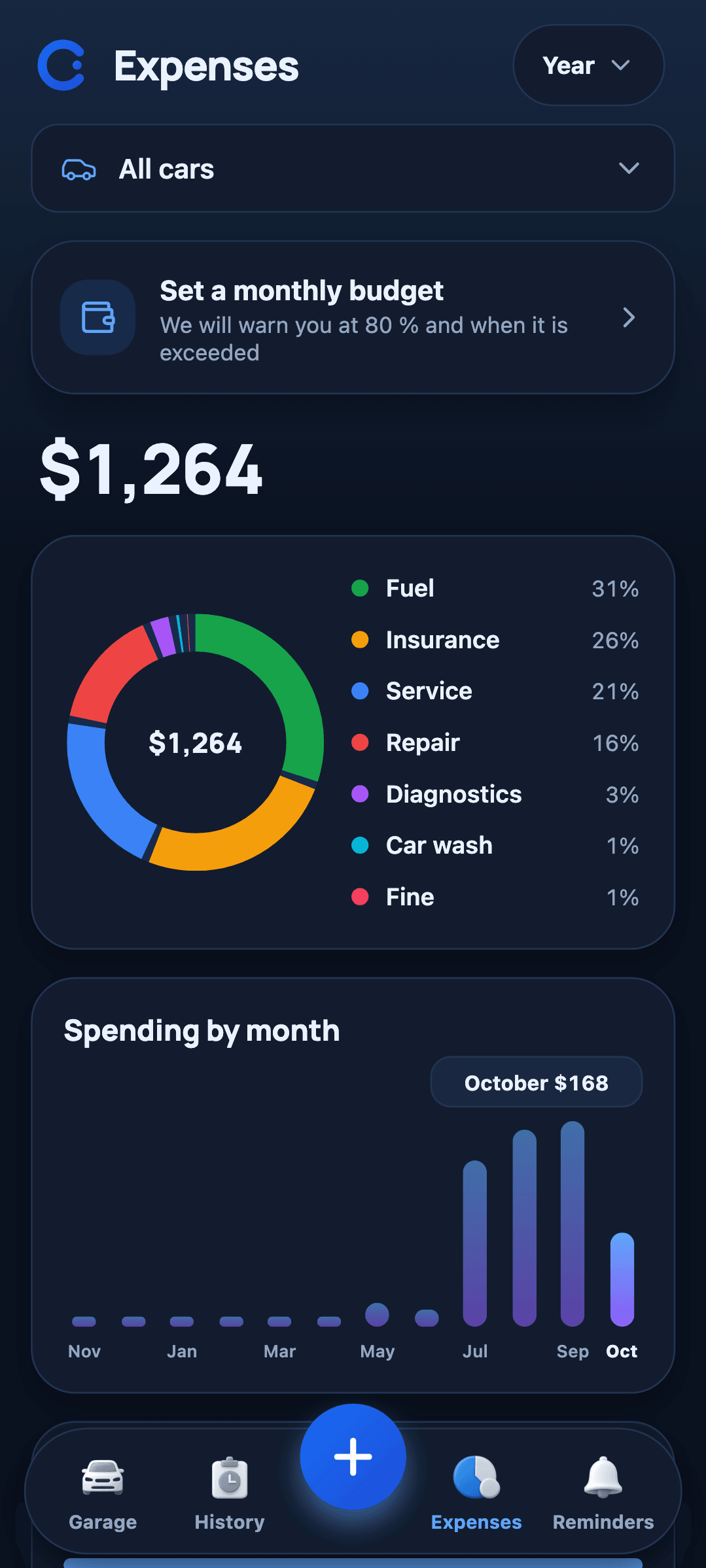
Fuel, service, insurance, parking, fines: totals by month and by category, charts, and a budget so the year holds no surprises.
Invite a family member with a code or a picture. Everybody sees the same car and adds their own fill-ups and notes.
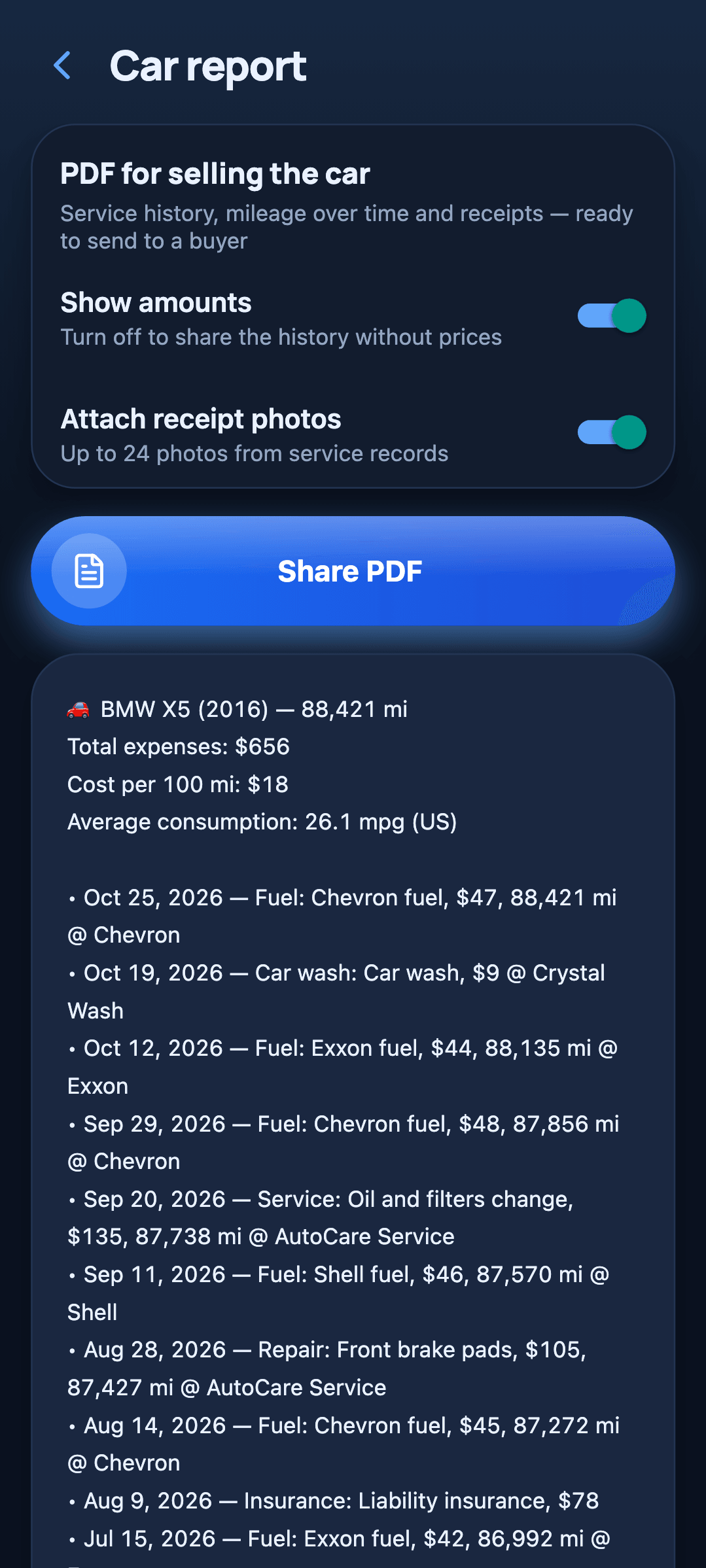
One tap builds a PDF with the full history, with or without prices and with receipt photos. Buyers trust a car with a paper trail.
How it works
No sign-up and no setup maze. You can be logging within a minute.
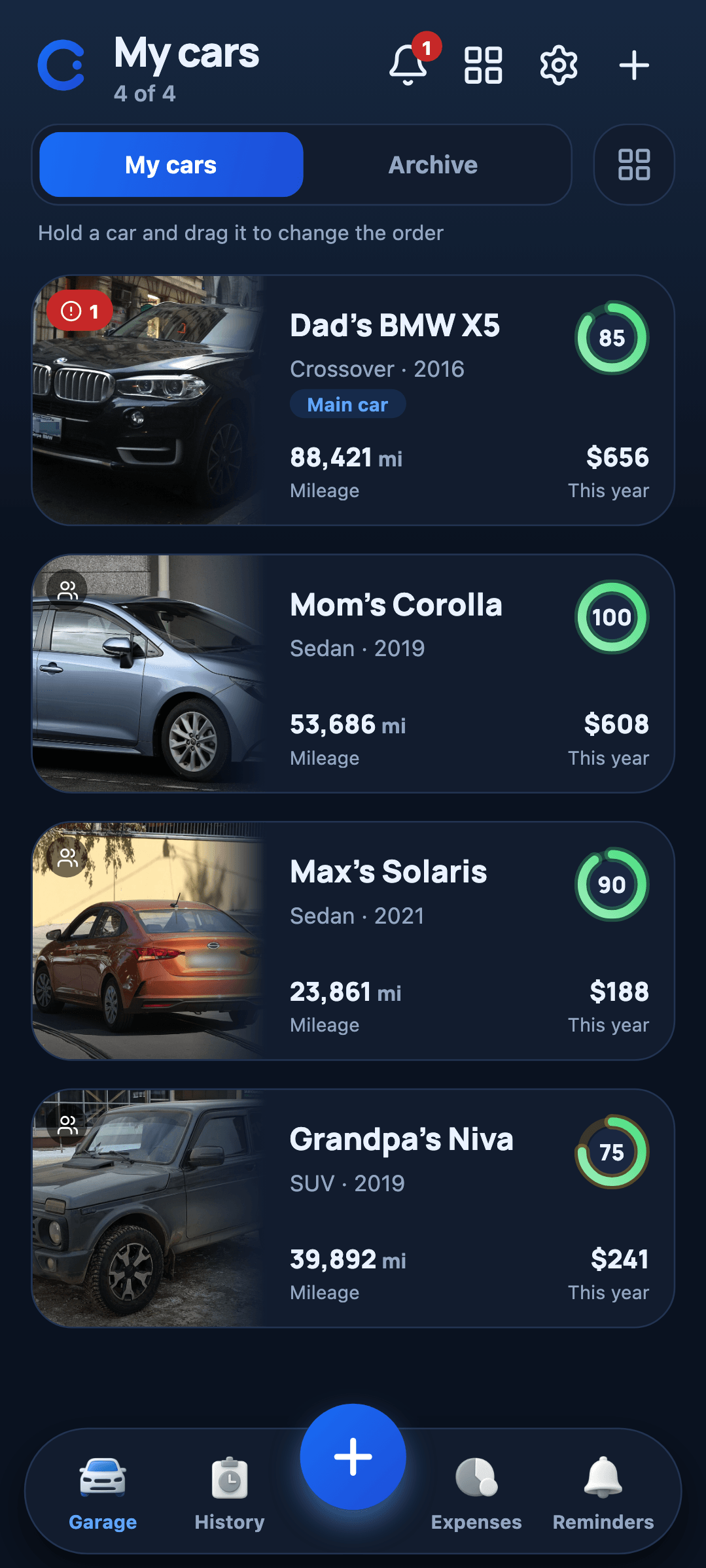
Make, year, mileage and a photo. A free garage holds one car; Pro holds as many as you drive.
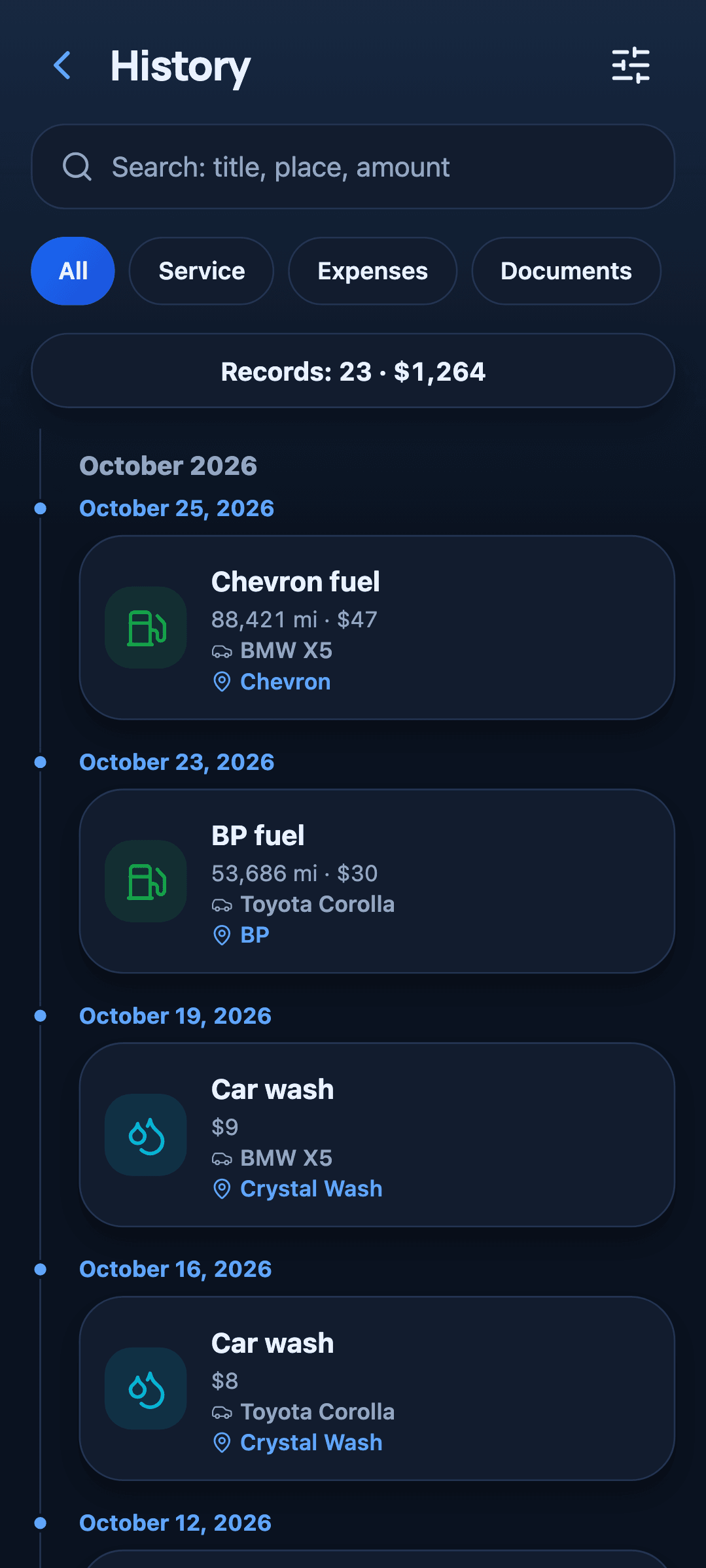
Fuel, service, a wash, a fine: pick a type, type a number, done. Receipts can be photographed and read for you.
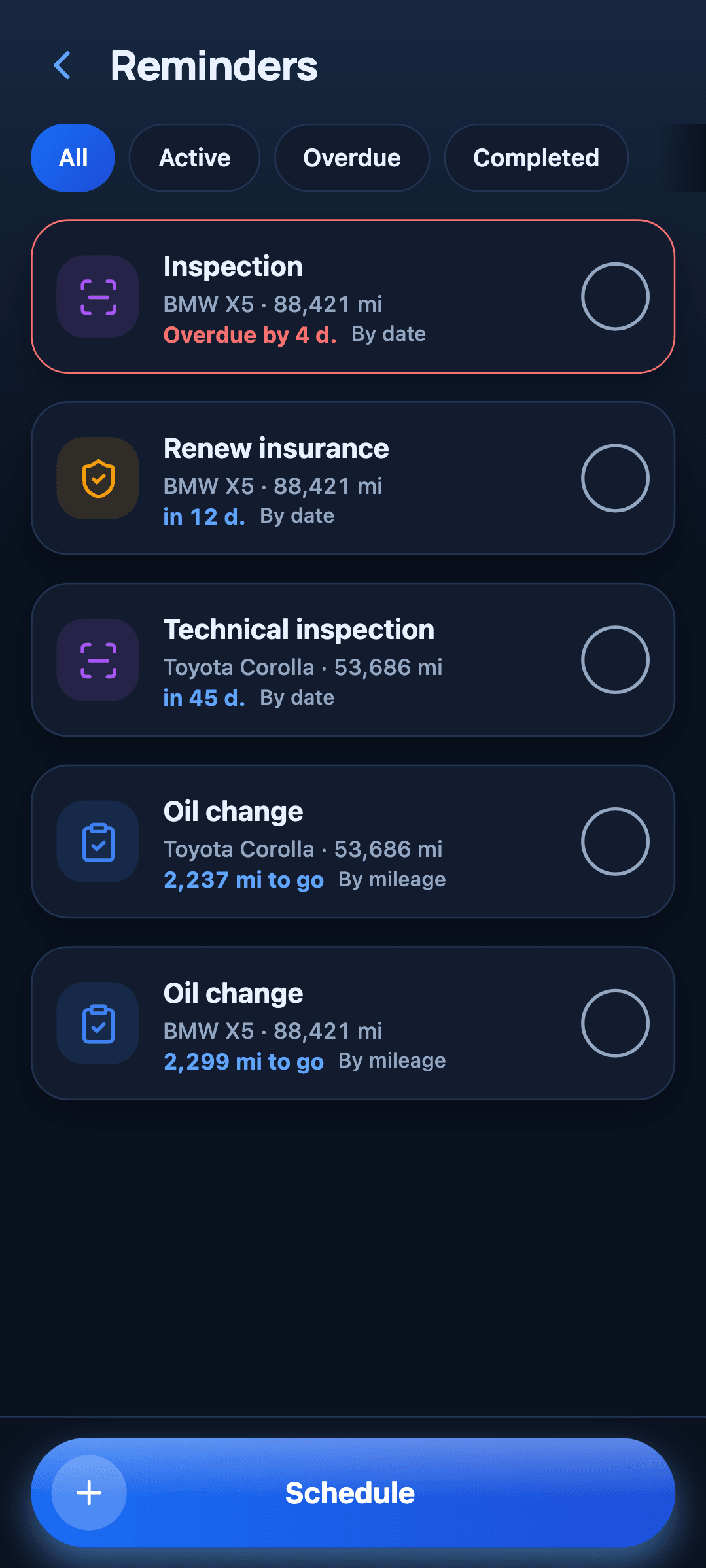
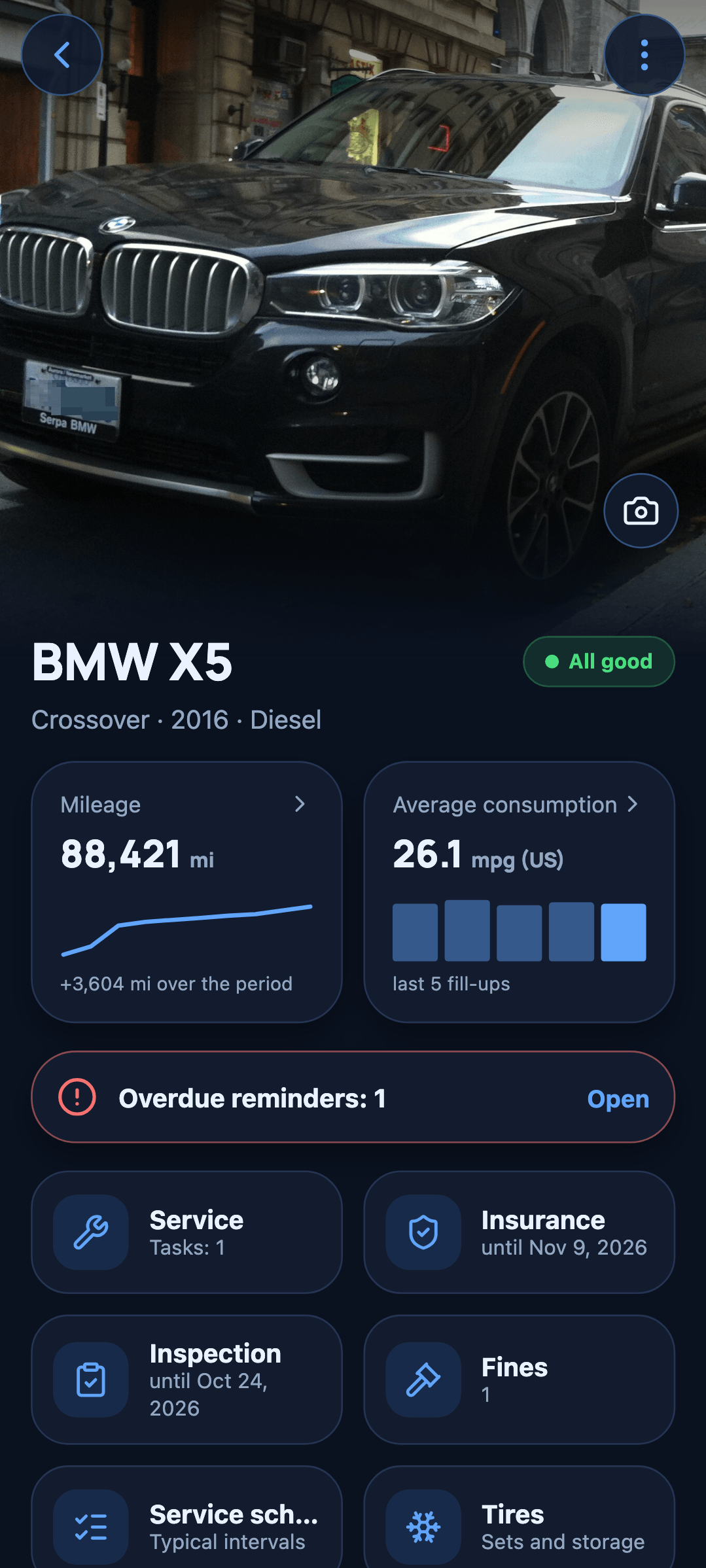
Dates and mileage turn into notifications, and the car page shows its health at a glance: all good, soon, or overdue.
Screens
A dark theme, one blue accent, big numbers. Each screen does one thing and the figures come first.
Privacy
Without signing in, everything you enter — cars, records, reminders, photos, receipts — is stored only on your phone and never reaches us. There are no ads, no analytics and no tracking in the app. If you choose to sign in with Google for sync and family sharing, only that data is stored in the cloud, and only the members of a car can read it.
Account deletion is built into the app: one tap erases your cloud data and your sign-in.
No advertising or analytics SDKs. Nobody learns what you drive or where.
Every figure is calculated on the device. Airplane mode changes nothing.
You only need Google sign-in for sync between phones and for sharing a car.
Delete your account from the app: cars, records, photos and files are erased from the cloud.
Export a backup, CSV or PDF any time and move it to a new phone.
FAQ
The basics are free: one car and up to 100 records, with reminders, expenses, charts and a backup file. Garagio Pro lifts the limits and adds the PDF sale report, weekly auto-backup, cloud sync and family sharing — as a monthly or yearly subscription or a one-time purchase. New users also get 7 days of everything unlocked.
No. Everything works without one. Signing in with Google is only for syncing between phones and sharing a car.
Nothing is deleted. Your main car stays fully editable, other cars become read-only and records over the limit stay visible. Bring Pro back, or free up space, and you can add again.
Yes. Export a backup file from the app and import it on the new phone, or sign in with Google to sync your cars.
Open Profile, then Cloud, then Delete account. It erases your cloud data and your sign-in. Data on your phone stays as an offline garage. You can also write to us and we will do it for you.
Seventeen, including English, Spanish, German, French, Portuguese, Arabic, Hindi, Japanese, Korean, Turkish, Ukrainian and Russian. Currency and units follow your region.

Free to start, no account, and a minute to add your first car.